MockLoc
Source
- Type: webpage
- Origin: Google Play — MockLoc
- Imported: 2026-07-31
Content
Developer: Devin Carl Norgarb · Package: com.mockloc · Category: Tools · Updated: Jul 12, 2026
MockLoc is a developer tool for testing location-based Android apps. Define GPS routes, save them locally, and replay them at a fixed speed through Android’s built-in mock location provider — no root required.
Built for Android developers, QA engineers, and anyone shipping apps that depend on GPS, geofencing, navigation, fitness tracking, or real-time location updates.
Why MockLoc?
Testing location features on a real device usually means walking, driving, or faking coordinates one point at a time. MockLoc lets you script realistic movement along a full route so you can reproduce bugs, demo features, and validate edge cases from your desk.
Create routes
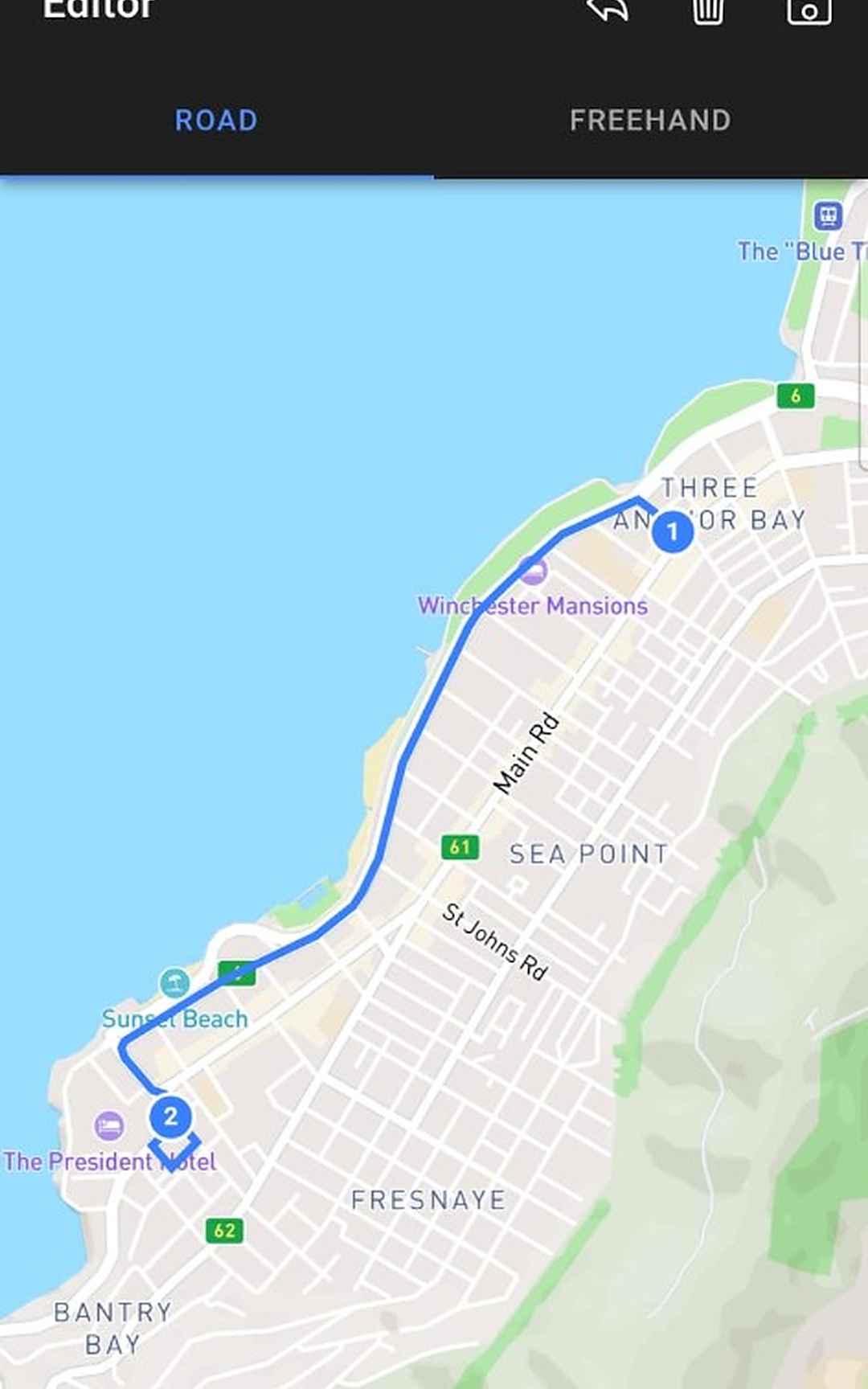
- Draw waypoints on an interactive map
- Snap routes to roads with turn-by-turn geometry (Mapbox Directions)
- Import GPX files from fitness trackers, mapping tools, or test fixtures
- Save routes to a local library with distance and duration estimates
Realistic GPS playback
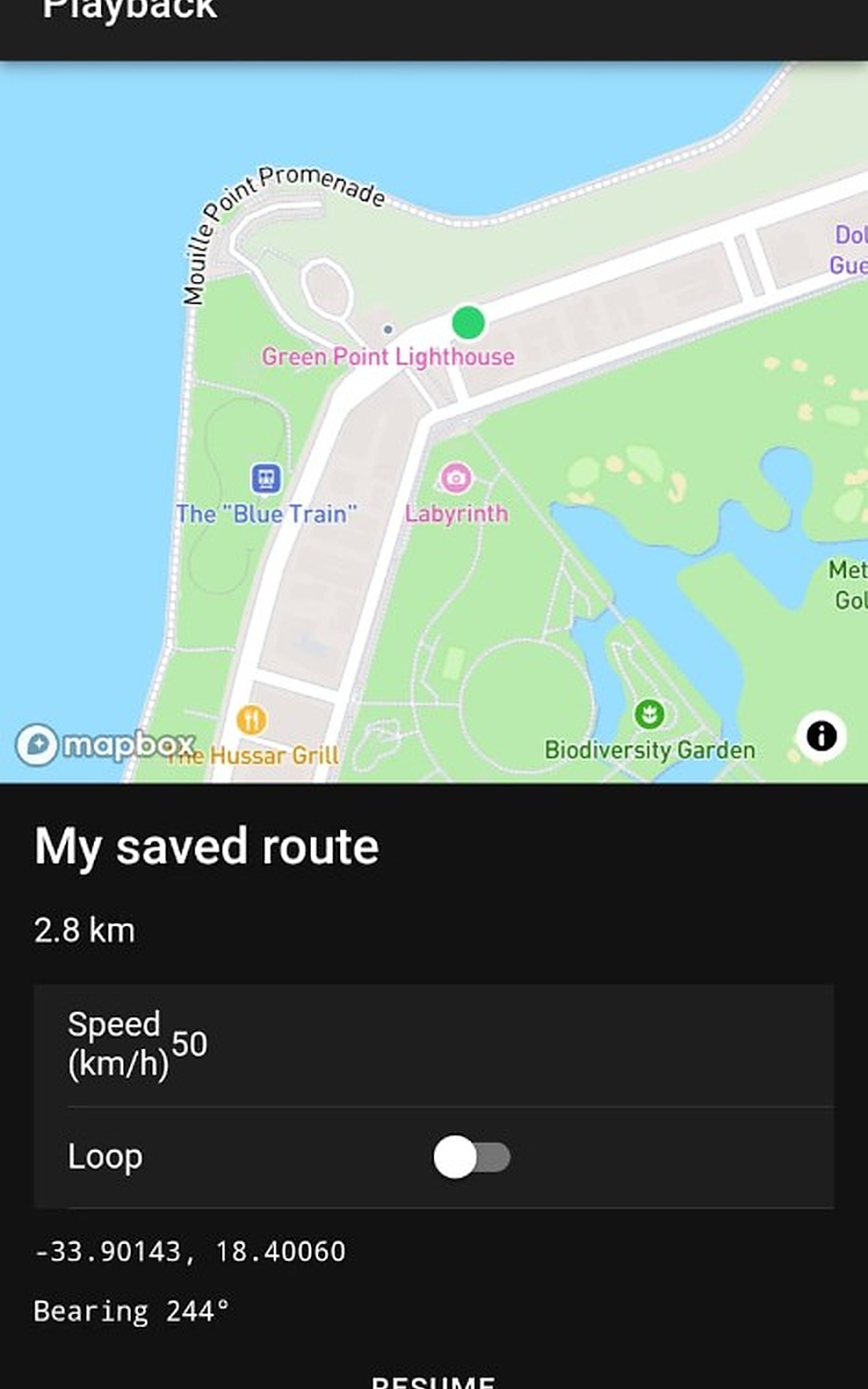
- Replay routes at a fixed speed in km/h or mph
- Configurable GPS accuracy radius (3–50 m)
- Start, pause, resume, stop, and loop playback
- Background replay via a foreground service — keeps running when you switch apps
- Native interpolation delivers smooth lat/lng, bearing, and speed updates
Developer workflow
- Uses Android Developer Options → Select mock location app (standard test provider)
- On-device route library — no account, no cloud sync required
- Step-by-step setup guide for enabling mock location
- Works with any app that reads the device GPS location
Typical use cases
- Test ride-share, delivery, or fleet apps along realistic paths
- Validate geofence entry and exit without leaving the office
- QA navigation, maps, and turn-by-turn features
- Demo location-aware features to stakeholders
- Replay recorded GPX tracks for regression testing
How it works
- Enable Developer Options on your Android device
- Select MockLoc as your mock location app
- Create or import a route in the Editor
- Open Playback, set speed, and tap Start
- Switch to the app you’re testing — its location follows your route
Requirements
- Android device with Developer Options enabled
- Internet connection for road-following route creation (saved routes replay offline)
- Location permission (used to center the map)
Intended use
MockLoc is designed exclusively for legitimate development and quality-assurance testing of apps you own or are authorized to test. It is not intended for cheating in games, bypassing restrictions, or any deceptive use.
Privacy
Routes and settings are stored locally on the device. MockLoc does not require an account. Play Data safety: no data shared with third parties; no data collected.
Figures
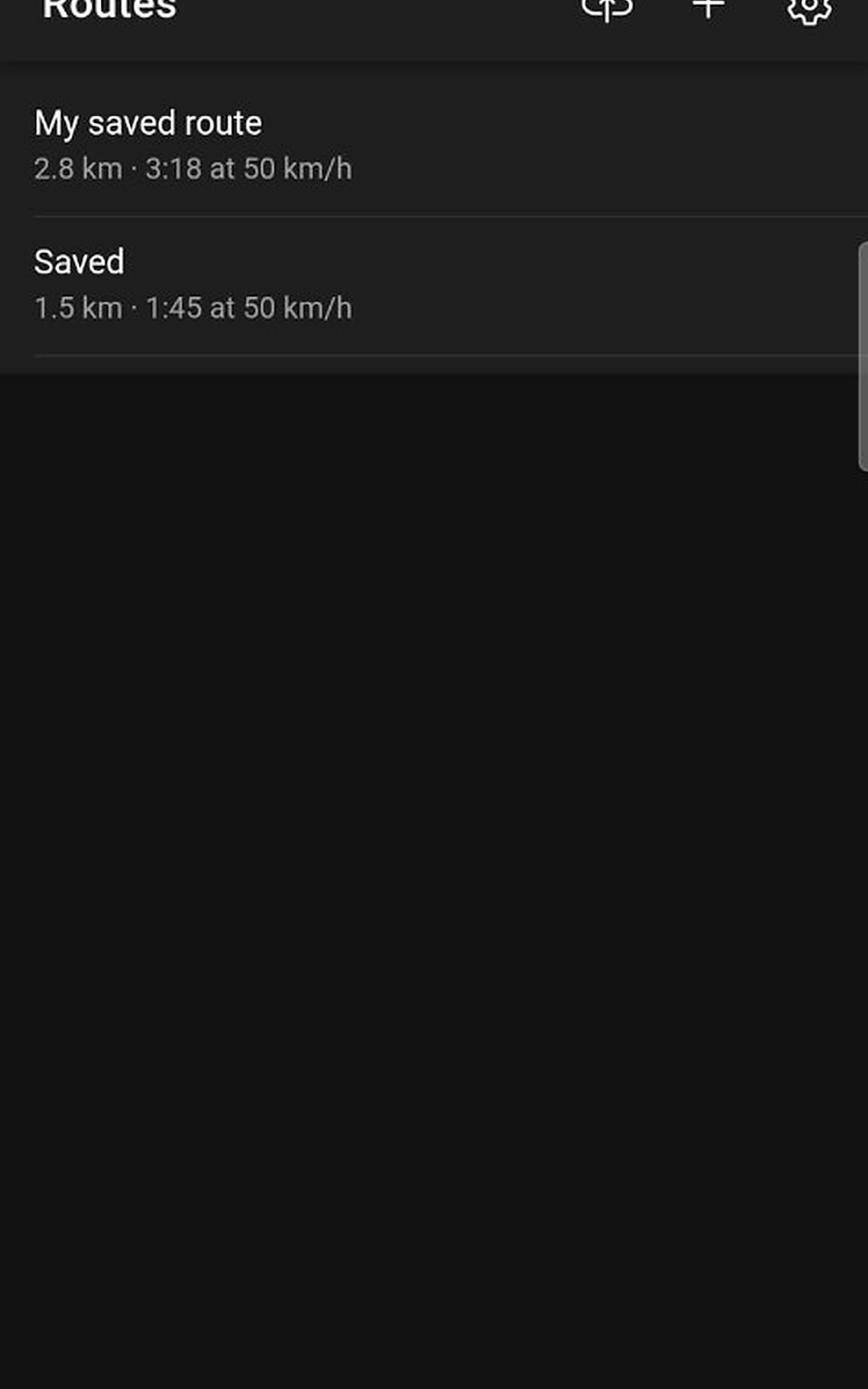
Key Takeaways
- MockLoc (
com.mockloc) replays drawn, road-snapped, or GPX routes through Android’s mock-location provider — no root. - Stack: Ionic Vue + Capacitor, Mapbox maps/directions, local SQLite route library.
- Store link: MockLoc on Google Play